What’s for lunch?
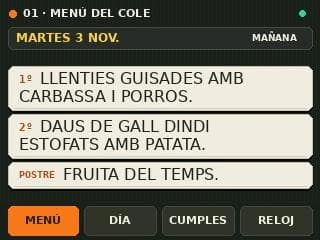
First course, main course and dessert on one screen. Today’s menu stays until 5 pm, then switches to the following day. It also accounts for days without school.
CHUMBY CLASSIC / IN USE AT HOME
I had a Chumby at home and wanted to give it another life. Now it tells us what’s for school lunch, which activities are coming up and whose birthday is nearby.
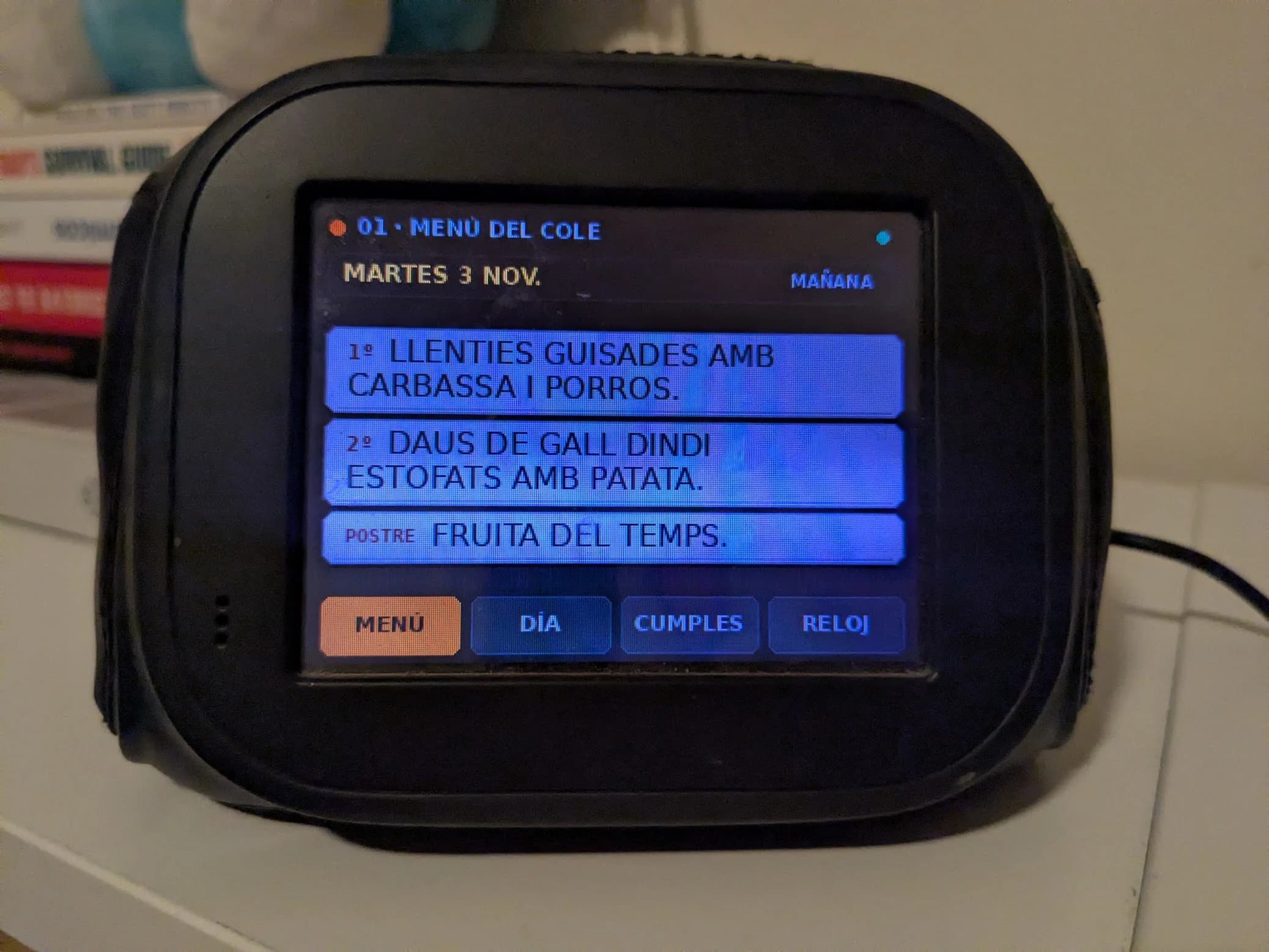
First course, main course and dessert on one screen. Today’s menu stays until 5 pm, then switches to the following day. It also accounts for days without school.
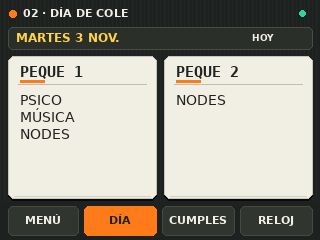
Both children’s activities, side by side. Uppercase text, large buttons and everything visible without switching between columns.
School birthdays from two days ago to seven days ahead, so weekends are covered too.
A dark grid, ivory cards and orange accents. A new interface for a 320 × 240 screen, with the feel of an old clock. The dashboard also lets us return to the Chumby’s original clock.
The Chumby keeps its Linux system and runs a native C client that draws the screen and handles touch. A NUC prepares the content in Python from my Obsidian notes and sends it over the home Wi-Fi network. The notes stay at home; this website only shows selected screenshots.
The school dashboard is already in use. Next, I want to explore the microphone, speaker and AI assistant queries. For now, those are ideas for the next round of experiments.